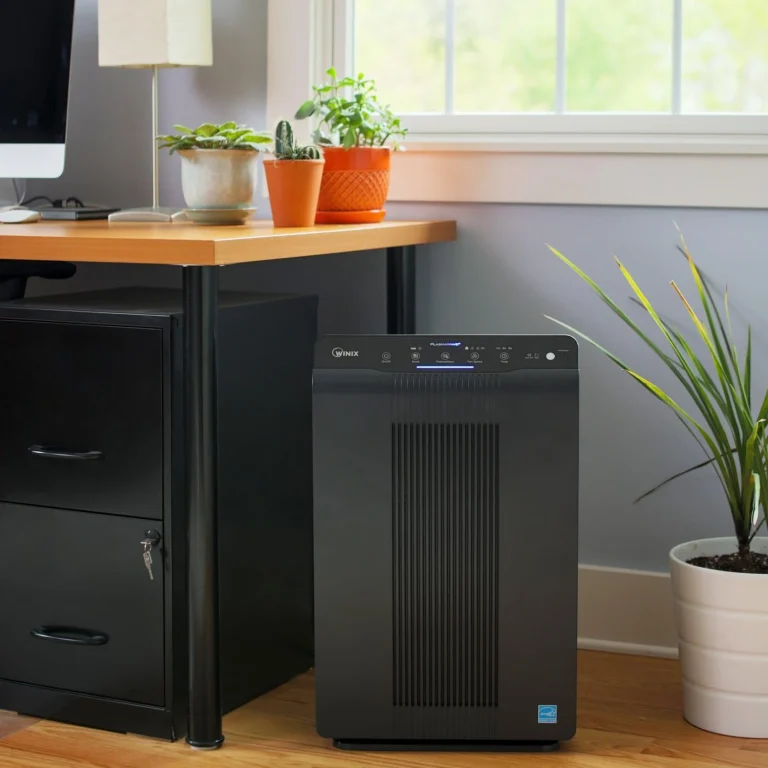
How to Use LEVOIT Core Mini-P Air Purifier (Complete Guide for Bedroom, Home & Dorm)
If you’re using the LEVOIT Air Purifier for Bedroom, Home, Dorm (Core Mini-P, White), this guide will walk you through everything you need to know—from setup to daily use, maintenance, and troubleshooting.
Whether you’re dealing with smoke, allergens, pet dander, odor, or dust, this compact yet powerful 3-in-1 filter air purifier with aroma pad is designed to keep your indoor air clean and fresh.
How to Open LEVOIT Air Purifier (Core Mini-P Setup Guide)
Before using your air purifier for the first time, you need to properly open and set it up.
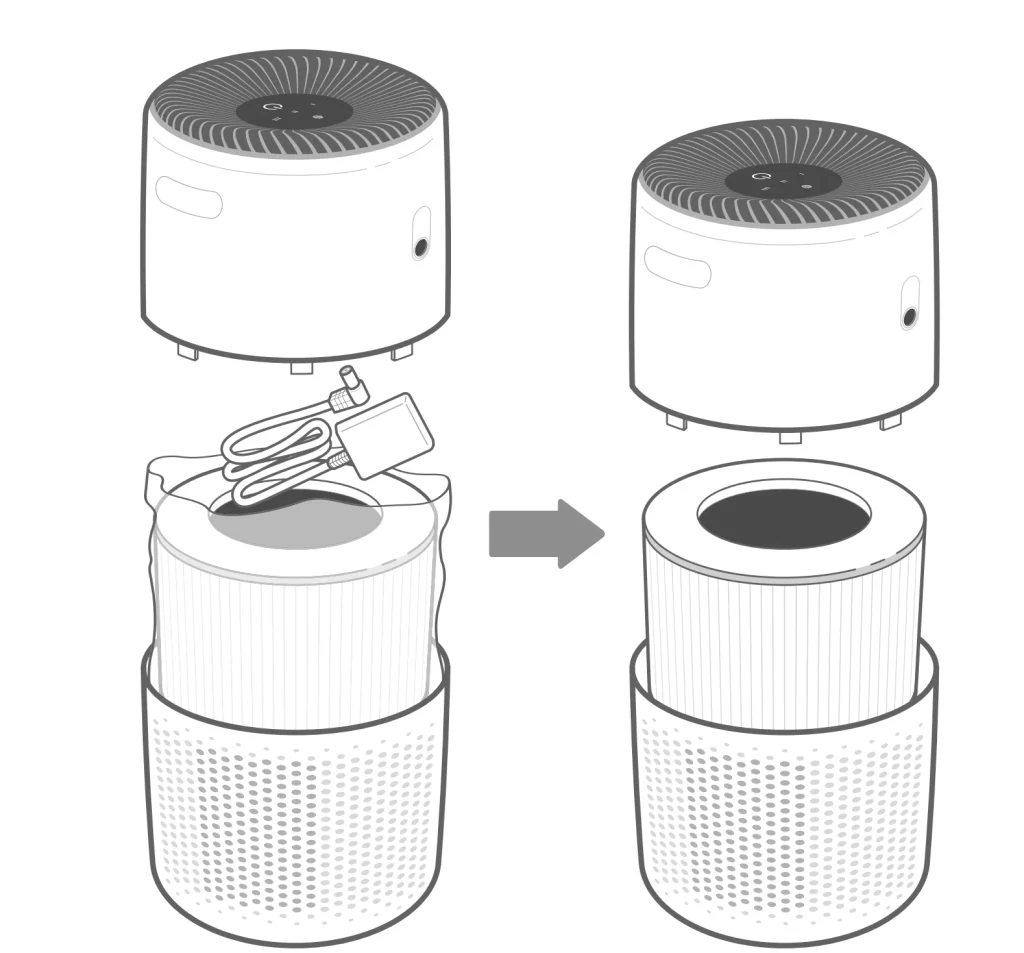
Step-by-step instructions:
- Remove all packaging (including tape and protective materials)
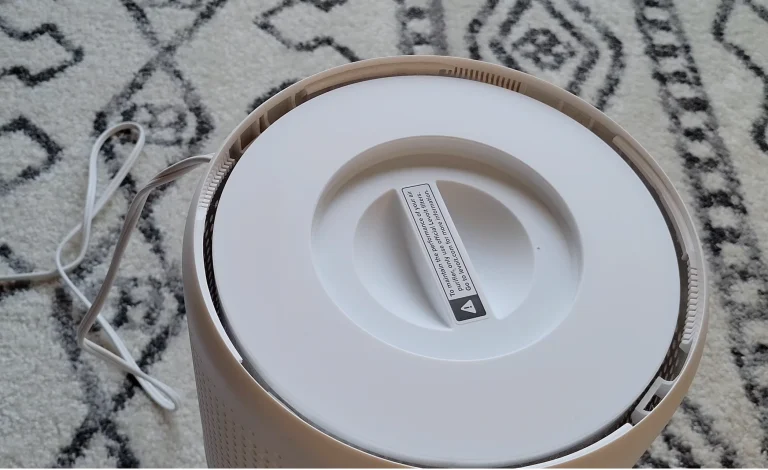
- Twist the top section counterclockwise and lift it off
- Take out the filter and remove the plastic wrapping
- Place the filter back inside
- Reassemble by twisting clockwise to lock
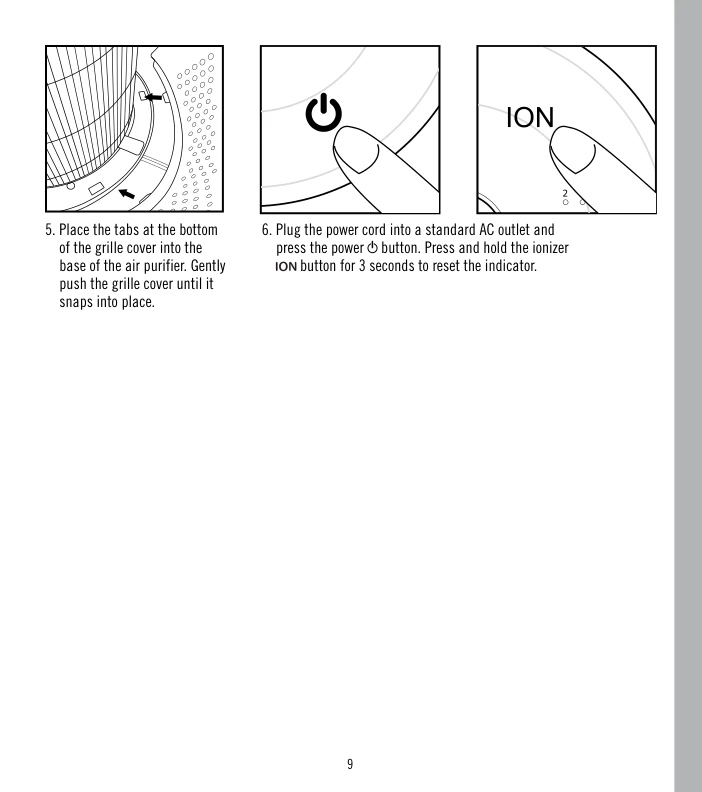
- Plug in the power adapter
Tip: Always remove the plastic from the filter before use, or the purifier will not work properly.
How to Use LEVOIT Air Purifier (Daily Operation Guide)
Turn On / Off
- Press the control button once → Turn ON
- Press repeatedly → Switch modes or turn OFF
Adjust Fan Speed
| Mode | Description |
|---|---|
| Low (I) | Quiet sleep mode |
| Medium (II) | Daily use |
| High (III) | Fast air purification |
Placement Tips
- Keep at least 15 inches (38 cm) clearance around the unit
- Place on a flat surface (desk, nightstand, office table)
- Best for small rooms like bedrooms, dorms, or offices
How to Connect LEVOIT Air Purifier to WiFi
Many users ask: how to connect LEVOIT air purifier to WiFi.
Important:
- The Core Mini-P does NOT support WiFi or app control
- It does not work with Alexa, Google Home, or VeSync
If you need smart features, consider models like Core 300S or Core 400S.
Using the Aroma Pad (Essential Oil Feature)
- Pull out the aroma box
- Add 5–7 drops of essential oil
- Insert the aroma box back into the purifier
Important:
- Do NOT add oil to the filter
- Do NOT pour liquid inside the machine
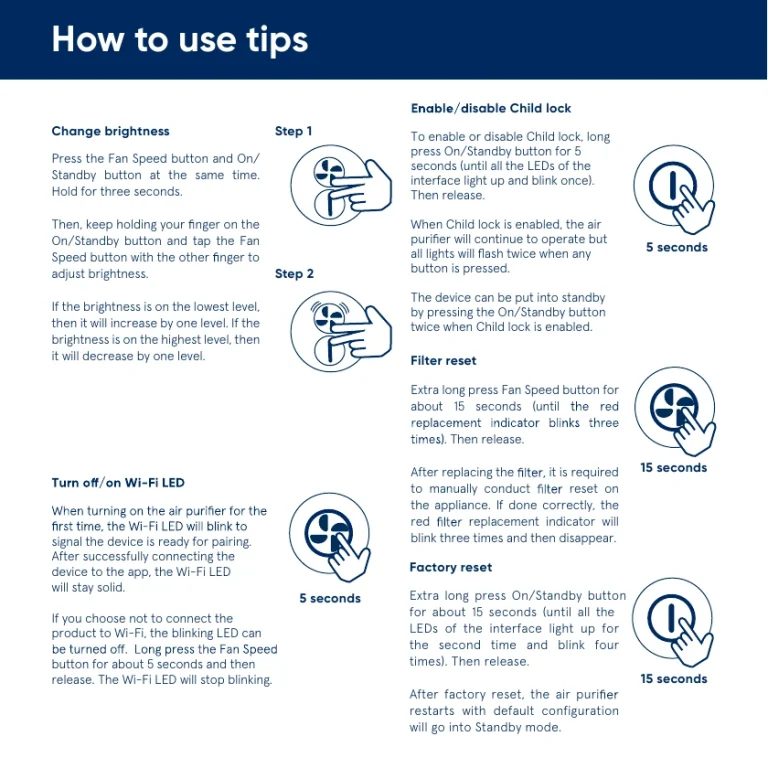
How to Reset Filter Light on LEVOIT Air Purifier
After replacing the filter, follow these steps:
- Make sure the purifier is plugged in
- Turn OFF the fan
- Press and hold the control button for 3 seconds
- The indicator light will blink and turn off
Filter Maintenance & Replacement

Cleaning Schedule
- Pre-filter: Clean every 2–4 weeks (use brush or vacuum)
Replacement Cycle
- Replace filter every 4–6 months
Signs You Need a New Filter
- Reduced airflow
- Increased noise
- Strange odors
- Visible dust buildup
Tips for Best Performance
- Keep doors and windows closed during operation
- Avoid high humidity environments
- Do not block air inlet or outlet
- Use official LEVOIT filters only
Troubleshooting Quick Fixes
| Problem | Solution |
|---|---|
| Won’t turn on | Check power connection |
| Weak airflow | Clean or replace filter |
| Strange smell | Replace filter or clean aroma pad |
| Noisy operation | Ensure filter is installed properly |